Dark Mode and Search Improvements
We’ve rolled out a new LiftStack update focused on making the platform feel better to use, easier to explore, and more useful every time you log in.
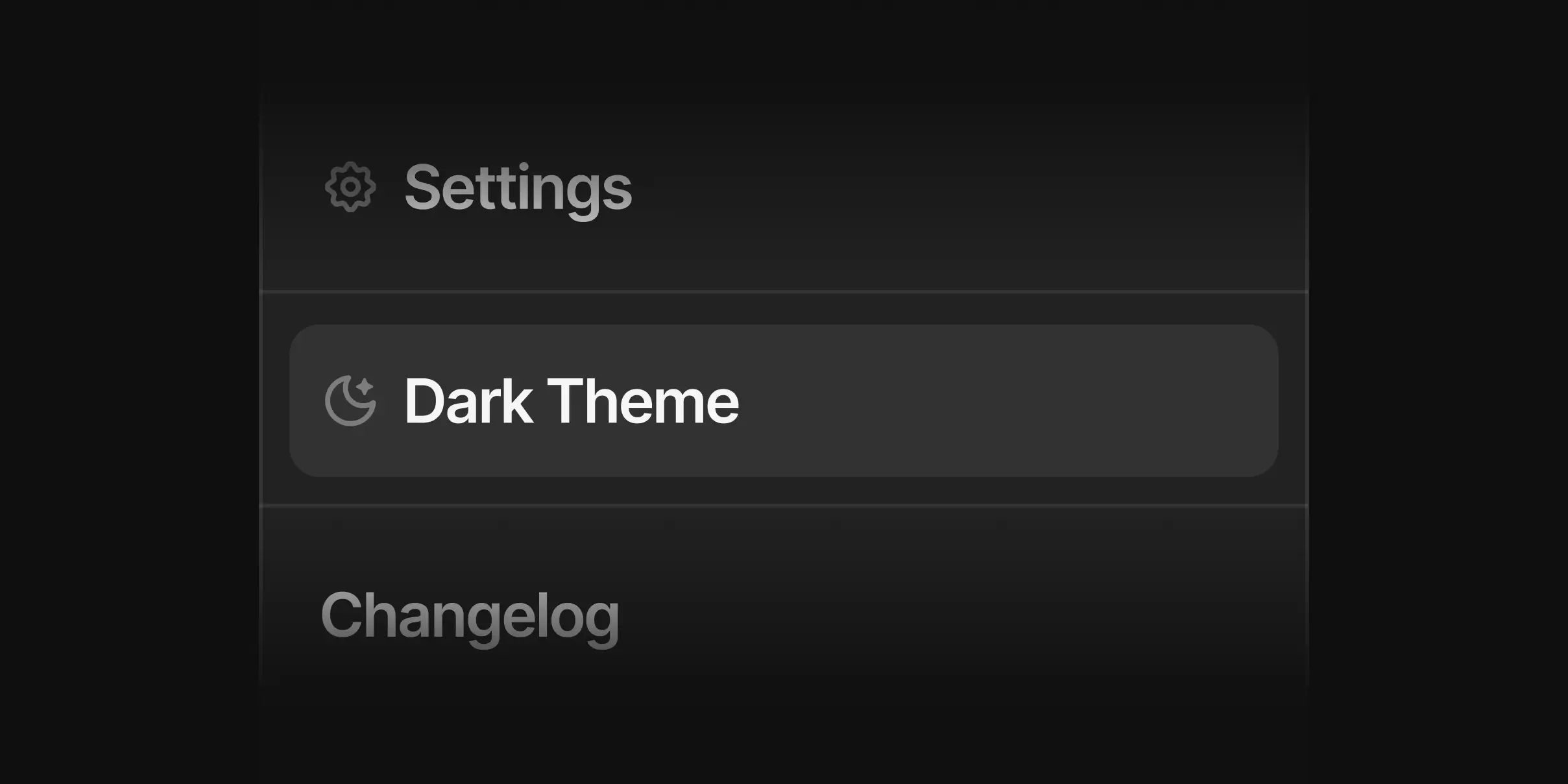
Dark mode
This has been one of the most requested quality-of-life improvements, and it gives you a cleaner, more comfortable way to browse the platform, especially during late-night searches, comparisons, and product discovery sessions.
You can enable dark mode in your settings and switch your experience to a darker interface built to feel clean, focused, and easy on the eyes.
Search improvements
We’ve also made a number of improvements to the search modal to make filtering feel more intuitive and easier to navigate.
For Protein Source, Flavors, and Tags, we removed the dropdown menus and replaced them with a cleaner list view. This makes it easier to scan your options quickly, and each section now also includes a search field so you can find exactly what you’re looking for faster.
For Allergens, we also removed the dropdown and updated the experience to use the same button toggle style as Product Type, making this part of filtering feel more consistent and quicker to use.
New brands
We’ve added three new brands to LiftStack this week:
Ghost: Rebel against the status quo.
Zing: Find Your Zing.
Kize: Fueling Your Best.
New products
We’ve also added new products from existing brands already on LiftStack:
Raw Nutrition Protein Bar
Promix Giant Protein Puff Bar
Fixes
We also shipped a number of smaller fixes and improvements across the platform to make the overall experience better.
As always, if you spot anything that feels off or have ideas for what we should improve next, let us know.